


Since its release, Last Epoch has seen a flock of players joining the game which has led to unforeseen consequences. The servers are Last Epoch are facing outages on a different scale and as a result, players are unable to play the game. The full message reads, “Online Play Unavailable. Check for news about multiplayer updates or outages. Contact support if this persists.” If you have been troubled by the Last Epoch Online Play Unavailable error as well, this guide will help you move forward.
Since it is a server issue, there is nothing much you can do to fix it. However, if you simply want to enjoy Last Epoch on your own, there is a workaround that will get you into the game. Players who have managed to luckily enter the game despite the issue have not been able to enjoy the multiplayer mode of the game easily. So if you want to play the game, here’s a way you can resolve the situation.
Last Epoch Online Play Unavailable Error Workaround
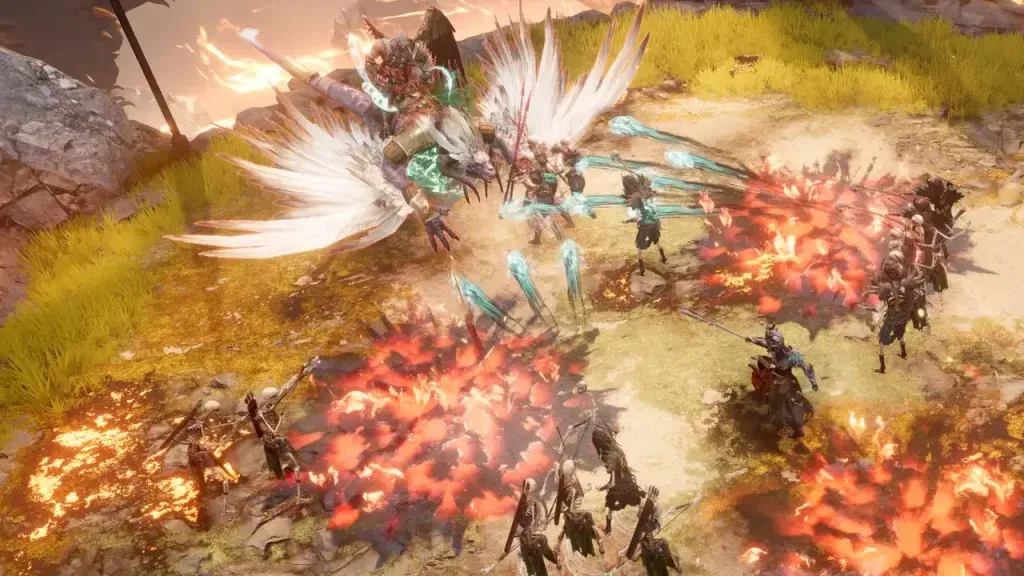
Although there is no fix to the Last Epoch Online Play Unavailable error, there is a way you can get into the game and at least play it. This involves playing Last Epoch in full offline mode. Although multiplayer will be out of the question, at least you can start playing the game. As a result of this server issue, players can barely get into the character creation screen before encountering this error. So if you are interested in playing the game, offline mode is the way forward.
Since the developers are aware of the server issues, they are bound to be resolved soon enough. However, offline mode will at least allow you to play the game and understand the mechanics of this hack-and-slash action RPG. Do note that offline characters cannot be transferred to online characters at the time of writing. So if you are still interested in playing the game in offline mode, here are the steps you need to follow on Steam.
How to Play Last Epoch in Offline Mode
- Right-click Last Epoch in your Steam library and then select Properties.
- Now, click the Launch Options dropdown in the General tab.
- After that, select Play Full Offline.
- Once the situation with online gameplay is resolved, you can switch it back to Play Last Epoch.
If you need some professional help, you can contact the Last Epoch Support page and submit a request.