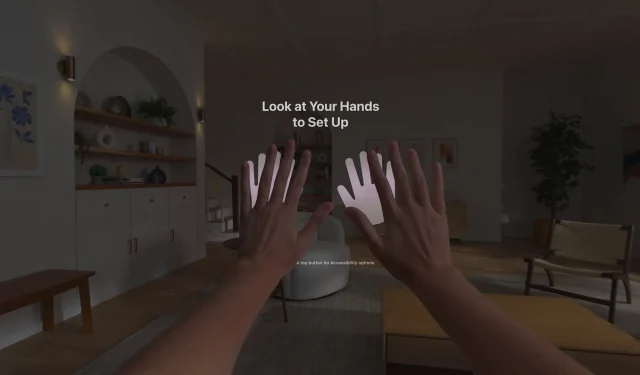


Vision Pro how-to videos, guides and support articles educate users about the headset’s settings, accessibility, visionOS features like Guest and Travel modes, etc.
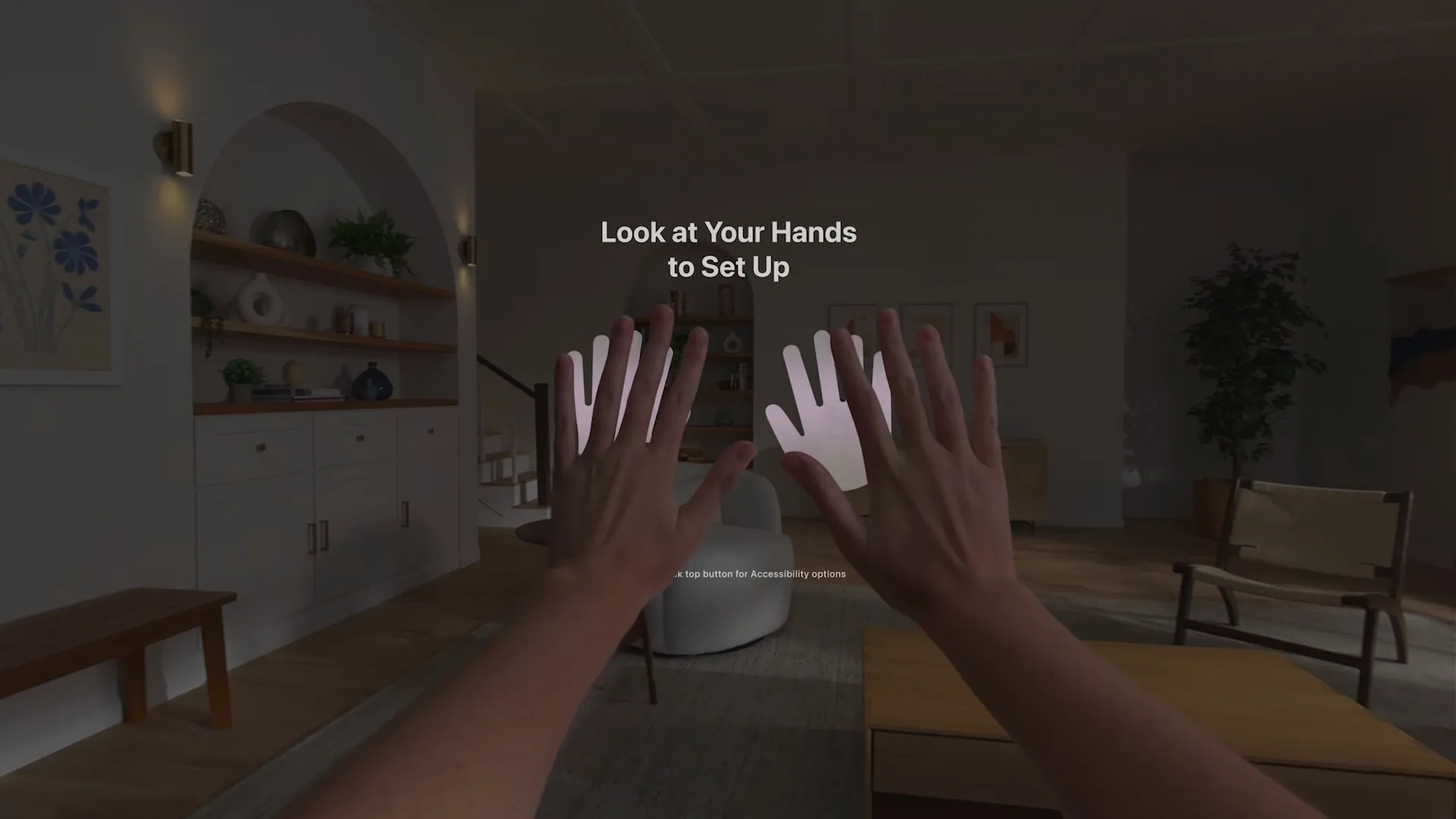
Hand setup in Guest User mode | Image: Apple video screenshot
Seven videos were published on the official Apple Support YouTube channel as the company’s $3500 face computer went on sale earlier today.
The videos cover the basics, from attaching the included power cable, setting up Zeiss optical inserts and turning on the headset to using the Control Center and the Settings app to configure accessibility and other features.
Apple shares Vision Pro how-to videos
One clip details Guest User mode in visionOS that lets another person like a friend use your headset without changing crucial settings or accessing your passwords.
Another gives tips for capturing spatial videos with iPhone 15 Pro for viewing on the headset in stereoscopic 3D. Also covered is Travel Mode which adjusts specific visionOS settings for an optimal Vision Pro experience on flights.
Attaching the power cable and turning Vision Pro on
The cable detaches from the battery by inserting an iPhone’s SIM card eject tool into a tiny hole next to the connection. The male connector resembles the abandoned Lightning connector but is wider and features twelve pins instead of eight.
Size comparison between the "fat" Lightning plug for the Apple Vision Pro's battery pack, compared to reg Lightning plug, and second and third pics are compared to USB-C (width) and then top shot to show thickness https://t.co/tRhUHYOJjl pic.twitter.com/7n6UMWhjnA
— Ray Wong (@raywongy) January 31, 2024
Using Zeiss optical inserts for Vision Pro
- Attach and pair your Zeiss optical inserts
- If you need to order or replace your Zeiss optical inserts
- Using Apple Vision Pro with vision prescriptions and vision conditions
Accessibility features on Vision Pro
- Get started with accessibility features on Apple Vision Pro
- Use Dwell Control on Apple Vision Pro
- Use a pointer to navigate your Apple Vision Pro
- Use accessibility shortcuts on Apple Vision Pro
- Turn on and set up Apple Vision Pro
Settings on Vision Pro
- Find settings on Apple Vision Pro
- See people around you while you’re immersed in Apple Vision Pro
- Set up Apple Pay on Apple Vision Pro
Control Center on Vision Pro
- Open Control Center on Apple Vision Pro
- Adjust volume on Apple Vision Pro
- Use your Mac with Apple Vision Pro
- Use Apple Vision Pro on an airplane with Travel Mode
Guest User on Vision Pro
Capturing spatial video on iPhone 15 Pro
Check out the Apple Vision Pro User Guide
Additional resources that cover using the headset and the underlying visionOS operating system can be found on the main Apple Vision Pro support page.
The most helpful resource is the official Apple Vision Pro User Guide. Should you encounter issues using the device, visit Apple’s Get Support page.