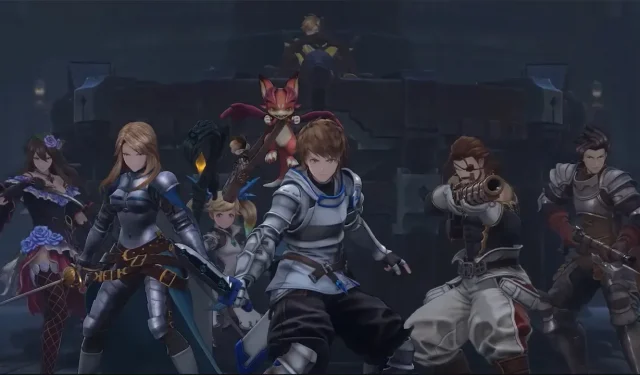


Granblue Fantasy Relink Matchmaking Failed Troubleshooting Tips
Update Granblue Fantasy Relink
The developers have been working on updates and patches and if you are yet to update the game, you may face the Granblue Fantasy Relink matchmaking failed error. This has been the case with most players so we recommend you check it out first if the error seems to be from your end.
Check Internet Connection
Since the Granblue Fantasy Relink matchmaking failed issue is connected to your Internet network, the first thing to do is make sure your Internet Connection is working. A speed test works splendidly and will give you an idea if this is the reason for the issue. Along with that, avoid any major download on any of your devices that might use up more Bandwidth to steer clear of connection issues.
Allow Granblue Fantasy Relink on Windows Defender Firewall
Your Windows Defender Firewall settings might be blocking the game and this might cause the matchmaking issue with Granblue Fantasy Relink. Here’s how you can add it to the Exception list:
- Open the Firewall & Network Protection from your Windows Security.
- Locate and click Allow an app through Firewall.
- Look for the Granblue Fantasy Relink files in the list.
- If you can’t find it, follow these steps –
- Click on Change Settings.
- Click on Add Another App.
- Browse for your Granblue Fantasy Relink Files and then Add the game to the Exception list.
- Once you add the game to the Exception list, it should not have any problem with Windows Defender.
Restart Modem & Router
Your modem and router might have collected a lot of unnecessary cache which might be giving you the Granblue Fantasy Relink matchmaking failed issue. Restarting them will help you get a much faster and resolved network connection. Additionally, since modems and routers are running 24/7, they might get overheated on occasion. A simple restart is enough to cool it down and help it function better.
If the error is still persistent, it might be due to some other underlying issues from your end. It’s best to contact Granblue Support and get some professional help on the matter to resolve the issue and get back to playing online multiplayer.